Why CLI Tools Beat MCP Servers for Agentic AI (And When They Don't)

The command line is 55 years old. MCP is 15 months old. One of them is winning the AI tooling race — and it’s not the one you’d expect.
If you’ve spent any time building tools for AI coding agents in the last year, you’ve probably heard the pitch: MCP (Model Context Protocol) is the “USB for AI” — a standardized way for AI agents to discover and use external tools. Anthropic launched it in November 2024, OpenAI adopted it by March 2025, and by end of 2025 it had 97 million monthly SDK downloads.
Meanwhile, some of us have been quietly building something simpler. Zero-dependency TypeScript CLI tools that AI agents call through good old bash. And the results are, to put it bluntly, better.
This isn’t a hot take or tribal allegiance. It’s what the benchmarks show, what production teams report, and what even Anthropic themselves are converging toward internally.
Let me walk you through the evidence.
The Setup: What Are We Actually Comparing?
A CLI tool for agentic AI is any executable the agent invokes via a shell. It reads arguments, does something, and writes to stdout. Think gh pr list, kubectl get pods, or a custom oncall status command. The AI agent uses its bash/shell tool to call it — the same way you would.
An MCP server is a persistent process that implements Model Context Protocol — a JSON-RPC 2.0 specification over stdio or HTTP transport. The AI client spawns the server at startup, registers its tools with typed schemas, and the model calls them natively without touching a shell.
Both approaches coexist in most real agentic setups. The question is: when should you build which?
1. Development Simplicity: It’s Not Even Close
A CLI tool is just a program with a main(). Every language, every framework, every tutorial already covers how to write one. A basic CLI in TypeScript + bun is 200-400 lines with zero dependencies.
An MCP server requires understanding the MCP specification, implementing a server process with JSON-RPC transport, defining tool schemas with typed parameters via Zod, handling the connection handshake, and keeping up with protocol changes. The official SDKs help, but the boilerplate is real.
Engineers from the UTCP community documented their actual experience:
“I just wanted my LLM to call cat on a file. For that, I had to build a stateful server and do so many transactions before I actually get the information. It’s wild.”
The development effort ratio is roughly 2-3x for an equivalent MCP server, rising to 4-5x when you factor in the testing infrastructure difference.
| Dimension | CLI Tool | MCP Server |
|---|---|---|
| Lines of code | 200-400 | 400-800+ with SDK |
| Dependencies | Zero possible | SDK + Zod + transport |
| Time to build | Hours | Days |
| Learning curve | None (you know this) | JSON-RPC, MCP spec, transport config |
Or as one developer put it: you could say MCP gives you more protocol for your money. Whether that’s a feature or a bug depends on what you’re building.
2. The Token Efficiency Gap: 43x Is Not a Rounding Error
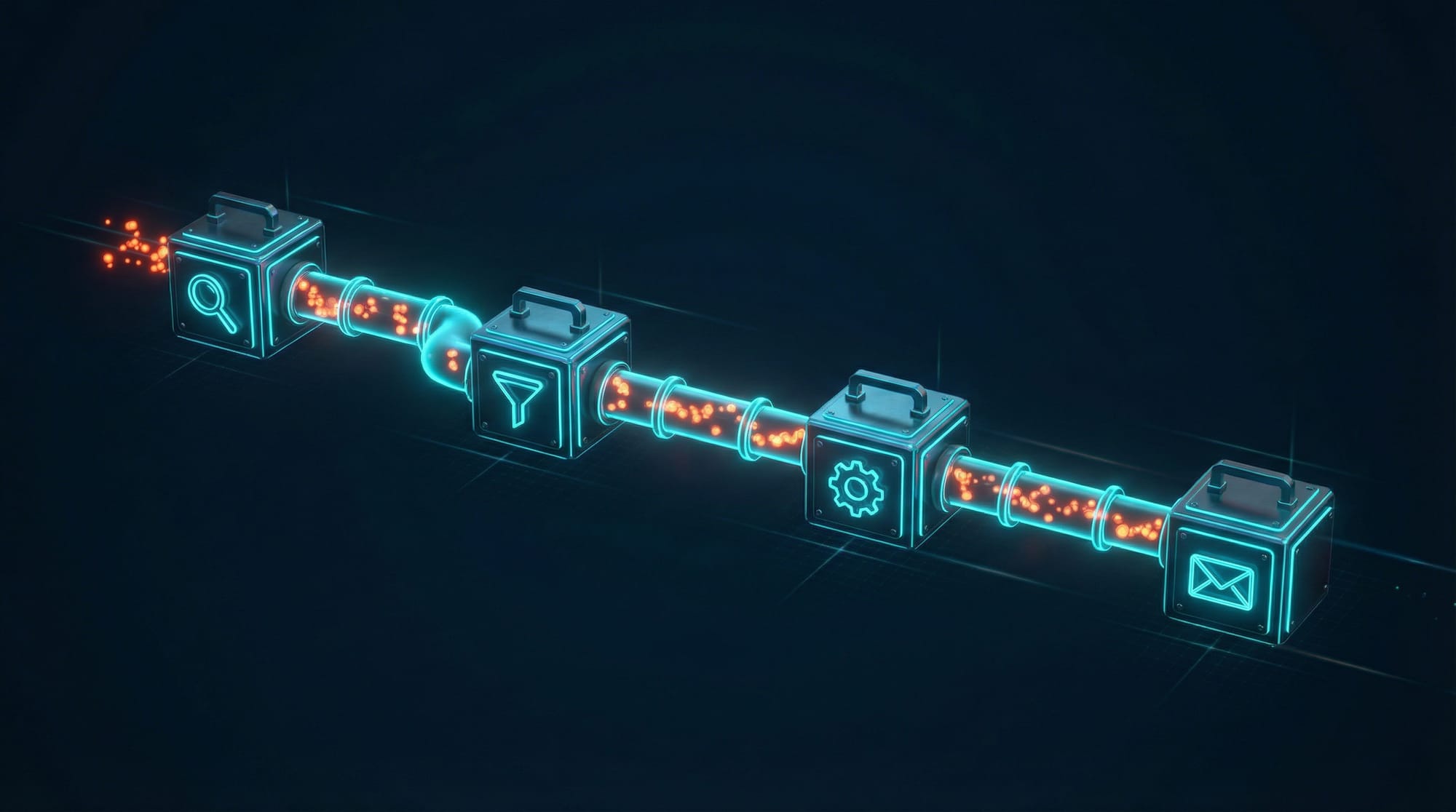
This is the composability argument, and it goes beyond Unix philosophy nostalgia. It is a concrete, measurable token-efficiency advantage.
With a CLI, you pre-filter data before the AI ever sees it:
# CLI: 1,200 tokens — agent sees only what matters
slack-cli log --channel "dev-ops" | grep "ERROR" | tail -n 20
With MCP, the tool returns everything to the model:
# MCP: 52,000 tokens — agent processes the whole firehose
→ slack.getChannelMessages({ channel: "dev-ops" })
← [... entire message history dumped into context ...]
That’s a 43x token efficiency difference documented in real-world benchmarks. CLI pipelines bypass the LLM entirely for mechanical data transformation. MCP tools force every byte through the model’s context window.
Mario Zechner’s controlled benchmark (August 2025) — the most rigorous head-to-head comparison available — confirms this pattern. CLI achieved 33% better token efficiency overall, with a Token Efficiency Score of 202.1 vs MCP’s 152.3.
The Speakeasy team later achieved a 100x reduction in MCP token usage through dynamic toolsets (loading only needed tools per request). This suggests MCP’s overhead is partially a configuration problem — but the fix essentially makes MCP behave more like on-demand CLI discovery.
3. Universality: CLI Wins by Default
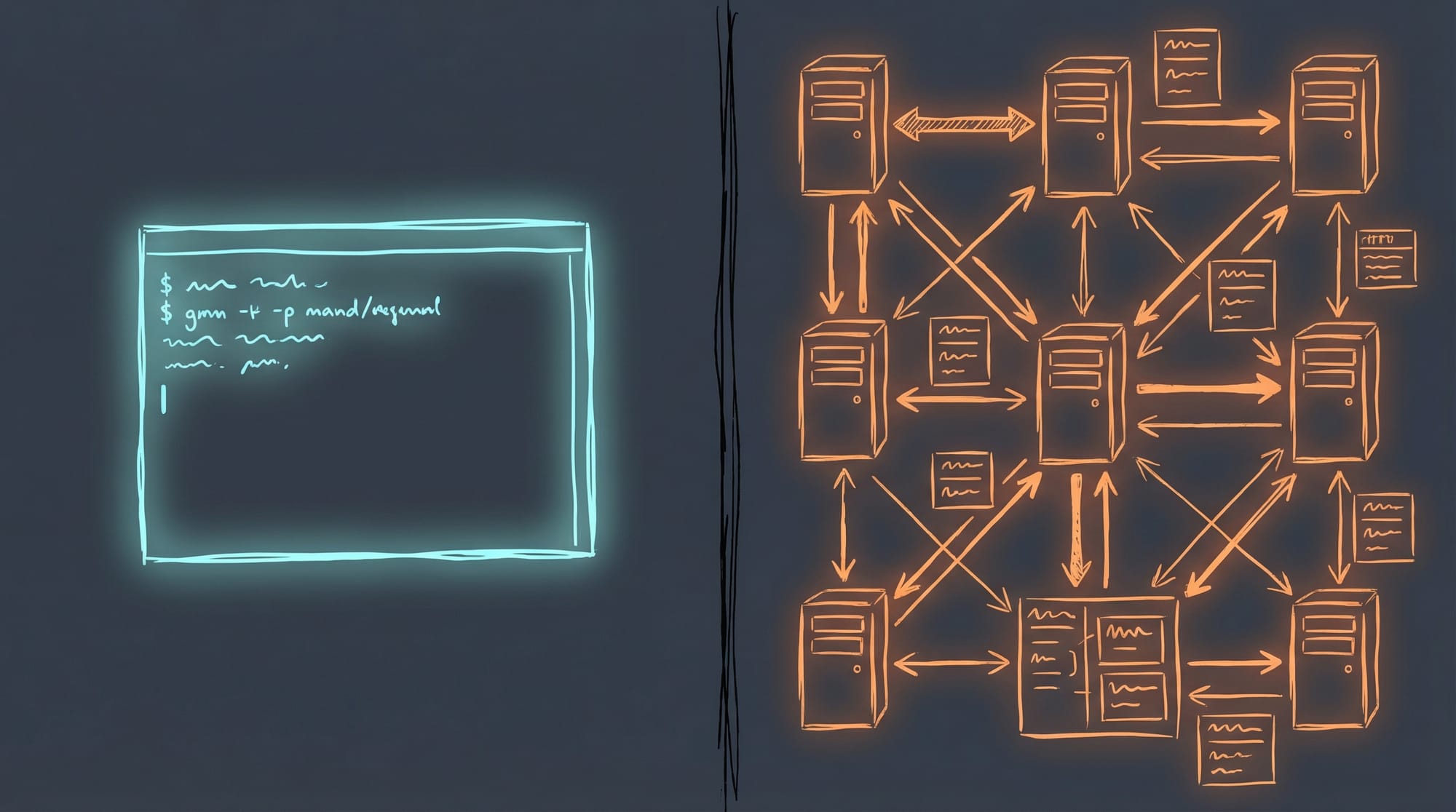
Every single AI coding agent supports shell execution. Not all of them support MCP.
| Agent | Shell/CLI | MCP Support |
|---|---|---|
| Claude Code | Full bash | Yes |
| Cursor | Terminal | Yes |
| GitHub Copilot | Shell native | Yes |
| Aider | Terminal-first | Limited |
| Cline (VS Code) | Yes | Yes, full |
| Devin | Shell/terminal | Limited |
| SWE-agent | Shell primary | No |
| OpenHands | Shell primary | No |
| Gemini CLI | Shell access | Yes |
| Codex CLI | Shell access | Partial |
If you build a CLI tool, it works with 100% of agents that can run commands. Plus every human, every script, every cron job, and every CI pipeline.
If you build an MCP server, you need the agent to support the protocol, configure the transport correctly, and match the spec version. A tool called add-mcp was built specifically because every editor uses different config files and formats for MCP. Its existence proves the portability problem is real.
Robert Melton frames this as the “multi-interface advantage”: a CLI works in the shell, in scripts, in Emacs, in CI, wrapped as an MCP, and invoked directly by humans. An MCP-only tool works only where MCP clients exist.
4. Testing and Debugging: No Inspector Required
Testing a CLI tool requires nothing other than a terminal:
# Run it. See output. Check exit code. Done.
$ oncall status --json
{"oncall": true, "schedule": "FAST", "user": "Dan Elliot"}
$ echo $?
0
Testing an MCP server requires the MCP Inspector (a browser-based UI), or a dedicated test framework, or connecting a real LLM client. The MCP ecosystem has produced multiple testing tools — MCP Inspector, FastMCP Client, mcpjam, @haakco/mcp-testing-framework — specifically because this gap is painful.
MCP servers also require an additional form of testing called “MCP eval” — you have to test whether the LLM can actually understand and use your tool descriptions. This dimension doesn’t exist for CLI tools, where the agent just reads --help.
“CLI-first means testing doesn’t require AI: Test the CLI directly, test with various inputs. Works. Fails. Both testable immediately. MCP-first requires AI to test.” — Robert Melton
5. Security: Known Quantity vs. Emerging CVEs
CLI tools inherit the agent’s existing sandbox. No additional attack surface, no additional network ports, no additional process permissions. The security model is the same one Unix has refined for 50 years.
MCP’s security story in 2025 was… less reassuring:
- CVE-2025-6514 (CVSS 9.6): Critical RCE in
mcp-remote, affecting 437,000+ downloads. Malicious MCP servers could execute arbitrary OS commands on the client. - Fake Postmark MCP package: BCC-ed all email through an attacker’s server by masquerading as a legitimate tool.
- Mass exposure: Backslash Security found hundreds of MCP servers bound to
0.0.0.0with no authentication, allowing arbitrary command execution. - Privilege analysis: An arXiv paper analyzing 2,500+ MCP plugins found 50%+ using long-lived static secrets (API keys, PATs) and only 8.5% using OAuth.
Red Hat’s assessment: “The core protocol lacks standardized permission or sandbox mechanisms.”
For an SRE building internal tools, a CLI that wraps your infrastructure tooling is a known quantity. An MCP server doing the same thing is a separate network-attached process with its own permission surface. You might say MCP gives you more protocol to manage — and not in a good way.
6. The Head-to-Head Benchmark
Zechner’s August 2025 benchmark is the gold standard here. He built the same tool (terminalcp — a terminal automation tool) as both an MCP server and a CLI, then ran 120 evaluation runs against Claude Code.
| Metric | MCP Server | CLI Tool | tmux (baseline) |
|---|---|---|---|
| Success rate | 100% | 100% | 67% |
| Total cost (10 runs × 3 tasks) | $19.45 | $19.95 | ~$22 |
| Total time | 51 min | 66 min | varies |
| Token efficiency | Lower | Higher | Lowest |
Key findings: - MCP and CLI achieved identical 100% success rates for well-designed tools - MCP was 23% faster due to bypassing Claude Code’s per-command security scanning - CLI was more token-efficient due to pipeline pre-filtering - Both crushed the baseline (tmux, which the model knows from training data) on complex tasks
His conclusion: “MCP vs CLI truly is a wash for a well-designed tool… If you’re building a tool from scratch, just make a good CLI. It’s simpler and more portable.”
7. Where MCP Genuinely Wins
I’d be doing you a disservice to pretend CLI is better at everything. MCP has real advantages in specific scenarios — and being honest about them makes the overall analysis more useful.
| MCP Advantage | Why CLI Can’t Match It |
|---|---|
| Streaming/push | Build progress, log tailing, metric streams. CLI is request-response only. |
| Stateful sessions | DB connections, auth tokens persisted across calls without file workarounds |
| Structured schemas | Type-safe parameter validation with Zod before execution |
| Resource subscriptions | Push notifications when upstream data changes |
| Remote multi-user OAuth | Enterprise SaaS integrations (Datadog, Google, GitHub managed endpoints) |
If your tool needs to stream progress updates from a long-running build, or maintain a persistent database connection across multiple agent queries, or expose discoverable resources that change over time — MCP is the right tool for the job.
Google launched managed MCP servers for Maps and BigQuery in December 2025. Datadog published a remote MCP server. These vendor-managed MCP endpoints are genuine wins — consume them, don’t rebuild them as CLIs.
8. The Anthropic Signal
Here’s the most revealing part of this story.
Anthropic invented MCP. They also appear to be backing away from it for their own internal use.
In November 2025, Anthropic published new engineering guidance recommending that agents write code to call MCP tools rather than loading all tool schemas at startup. The agent discovers available tools by reading the filesystem, loads only what it needs for the current task, and invokes via code. Result: 98.7% reduction in token usage (150,000 tokens → 2,000).
Daniel Miessler documented this shift: Anthropic began recommending “a filesystem and code-based structure for calling tools instead of using MCPs.”
Then in December 2025, Anthropic released Agent Skills as an open standard — filesystem-based markdown instructions that teach agents how to use CLI tools effectively. Portable across Claude Code, Cursor, Copilot, and any agent that reads files.
Armin Ronacher (creator of Flask) publicly migrated all his MCPs to Skills, noting that MCP servers “have no desire to maintain API stability and are increasingly starting to trim down tool definitions to the bare minimum to preserve tokens.”
The fact that MCP’s creator is converging on CLI-like behavior from inside the MCP ecosystem is the clearest signal of where things are heading.
9. The Emerging Consensus: CLI First, MCP Second
The developer community in early 2026 has coalesced around a pragmatic hybrid pattern:
“Build CLIs First, Wrap as MCPs Second. CLI-first gives you flexibility.” — Robert Melton
The recipe: 1. Build a well-designed CLI with clean --json output 2. Test it directly in your terminal and CI pipeline 3. If you need MCP support, write a thin wrapper that calls the CLI via subprocess 4. The wrapper adds schemas and structured errors; the CLI handles business logic
Several projects automate step 3: - any-cli-mcp-server: Converts any CLI to an MCP server using its --help output - cli-as-mcp: Zero-code wrapping via JSON config - mcp-cli-adapter: Bidirectional adapter
This gives you the best of both worlds: a tool that works with humans, scripts, all AI agents, and CI — with an optional MCP layer for agents that prefer structured tool calls.
The Decision Framework
After synthesizing research from three independent deep-dive investigations and dozens of primary sources, here’s the practical decision tree:
Build a CLI tool when:
- You’re wrapping infrastructure operations (
gh,kubectl,aws,doctl) - You want zero dependencies and maximum longevity
- The primary consumer is Claude Code or any shell-capable agent
- You need Unix pipeline composability (
| jq,| grep,| sort) - Testing in CI with
bun test+ shell scripts is sufficient - The tool is stateless or manages state externally
- You want the tool usable by both humans and AI
Build an MCP server when:
- You need streaming/push notifications (build progress, log tailing)
- The tool maintains persistent stateful connections (database sessions, websockets)
- You’re consuming vendor-managed MCP endpoints (configure, don’t build)
- You need resource subscriptions for change notifications
- You’re building multi-agent orchestration where Agent A discovers Agent B’s tools
The hybrid path:
- Build the CLI first
- Wrap as MCP only when you hit a specific wall
- Let the CLI remain the source of truth
Conclusion: The Best AI Agent Interface Already Exists
The Unix command line has had 55 years of refinement. It is composable, testable, debuggable, universally supported, and deeply embedded in every AI model’s training data.
MCP is a genuine innovation for specific use cases — streaming, state, multi-agent discovery, enterprise SaaS integration. It deserves to exist and will continue to grow.
But for the 80% case of building internal tools that AI agents use to get work done? The answer has been sitting in /usr/bin since 1971.
Build CLIs. Make them output JSON. Add --help text that reads like documentation. Your AI agents will thank you — and so will the humans who use the same tools.
Or to put it another way: in the great debate between building a sophisticated protocol server and typing echo "hello" | my-tool --json, sometimes the simplest pipe dream is the one that works.
Sources & Further Reading
- MCP vs CLI: Benchmarking Tools for Coding Agents — Mario Zechner (August 2025). The most rigorous head-to-head benchmark.
- Why CLI is the New MCP for AI Agents — OneUptime (February 2026). The manifesto.
- Build CLIs First, Wrap as MCPs Second — Robert Melton. The emerging consensus pattern.
- Building Small CLI Tools for AI Agents — ainoya.dev. Unix pipeline composability for agents.
- Anthropic Changes MCP Calls Into Filesystem-based Skills — Daniel Miessler. The Anthropic pivot.
- Skills vs Dynamic MCP Loadouts — Armin Ronacher. Flask creator’s migration from MCP to Skills.
- Code Execution with MCP — Anthropic Engineering. The 98.7% token reduction technique.
- How We Reduced Token Usage by 100x — Speakeasy. Dynamic MCP toolsets.
- Everything Wrong with MCP — Shrivu Shankar. Honest critique.
- MCP is a fad — Tom Bedor. The skeptic’s case.
- Replace MCP With CLI — Cobus Greyling. The “best interface already exists” argument.
- Why MCP Servers Are a Nightmare for Engineers — UTCP. Developer experience report.
- A Timeline of MCP Security Breaches — AuthZed. Security incident timeline.
- MCP Security Vulnerabilities — Practical DevSecOps. Prompt injection and tool poisoning.
- The Hidden Cost of MCPs on Your Context Window — Context window analysis.
- MCP vs CLI: Which Interface Do AI Agents Actually Prefer? — Benchmark comparison (43x token difference).
- Multi-Language MCP Server Performance Benchmark — TM Dev Lab. Per-call latency comparison.
- Why Top Engineers Are Ditching MCP Servers — FlowHunt analysis.
- Model Context Protocol Security Risks — Embrace The Red. Security research.
- 5 Key Trends Shaping Agentic Development in 2026 — The New Stack.
Written by Dan Elliott — Senior SRE and CLI tool enthusiast. Currently building zero-dependency TypeScript CLI tools for AI agents at github.com/agileguy.